On this page
Specifications, limits, and qualifiers
Specifications define expected result ranges and report-display behavior for out-of-range results. These values are controlled lab master data and should follow the laboratory's approved methods and client requirements.
What your team can manage#
After Clearline training, laboratory administrators may maintain:
- Specification title and sample type.
- Minimum warning, minimum, maximum, and maximum warning values.
- Out-of-range display text for values below or above the accepted range.
- Out-of-range comments used on reports.
Clearline-managed#
Clearline manages:
- Initial specification imports.
- Complex client-specific or regulatory limit packages.
- Any specification tied to automated EDD, compliance reporting, or custom reports.
- Bulk edits and historical correction work.
Add or update a specification#
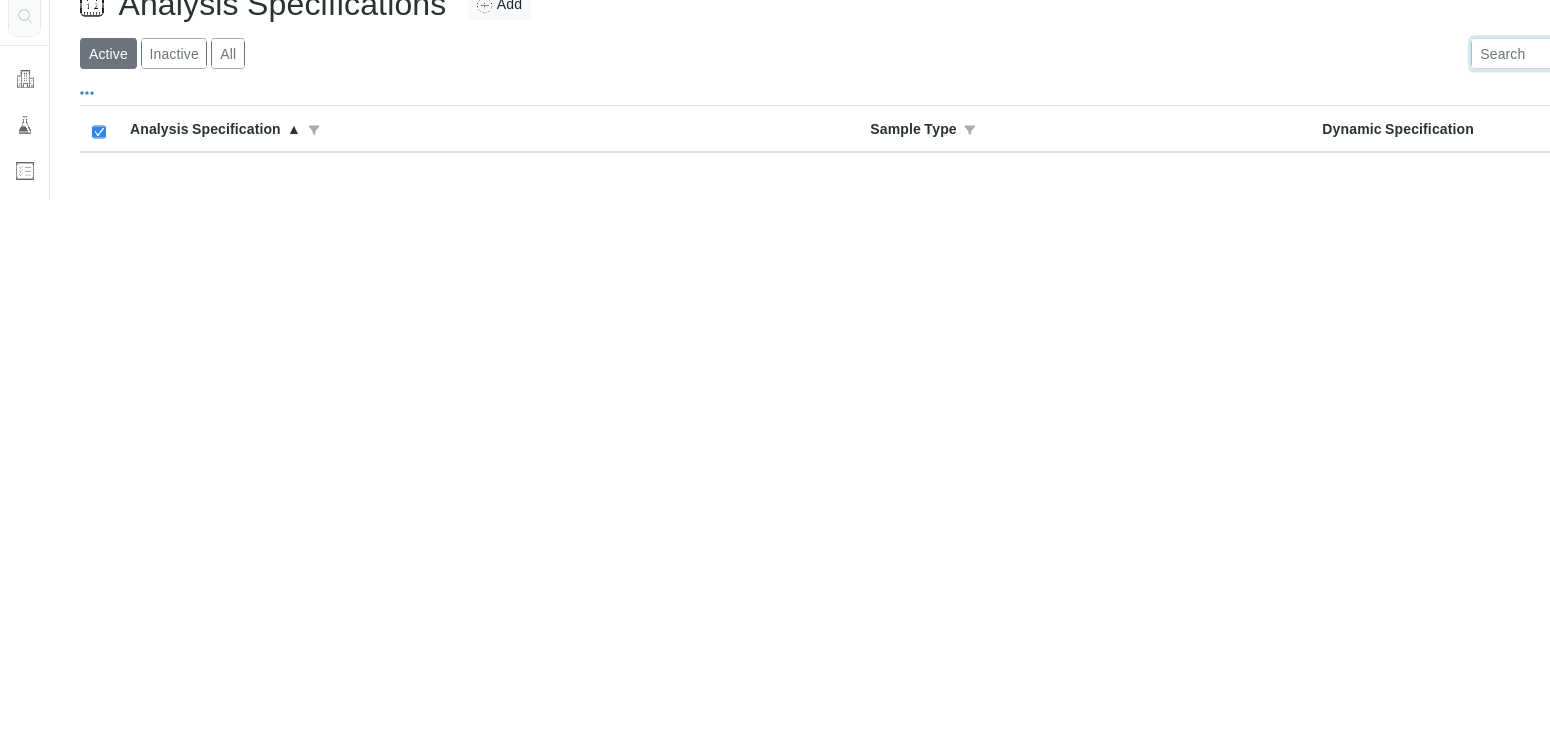
- Open System Setup > Analysis Specifications.
- Select Add for a new specification, or open an existing specification to edit it.
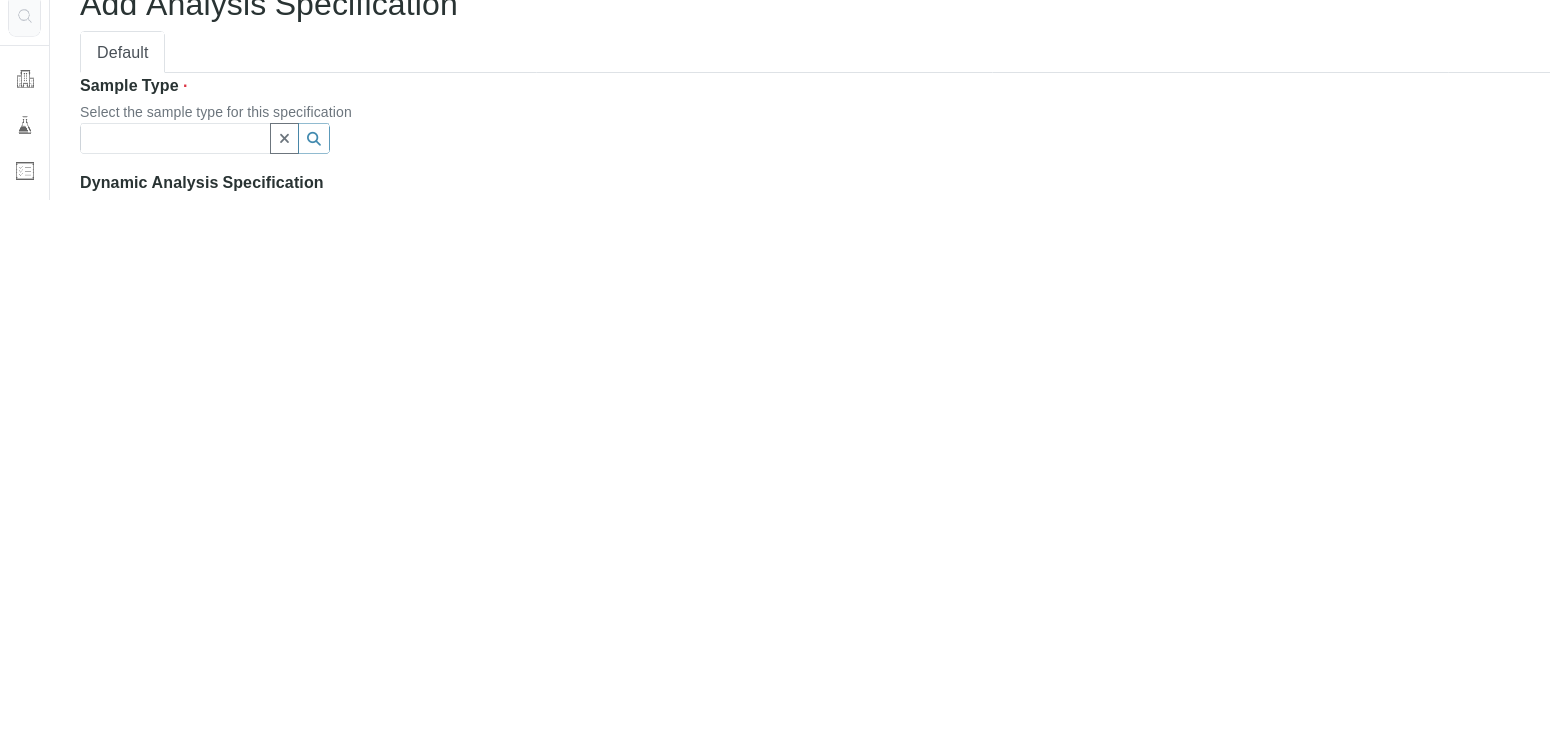
- Select the sample type.
- Enter the title and description.
- Fill in the limit values for each applicable service.
- Save.
- Register and process a test sample to confirm warnings, displayed qualifiers, and report output before using the specification for production samples.
Qualifiers#
Qualifier options vary by configuration. If you do not see the expected qualifier controls, contact Clearline Support before changing the workflow.
Clearline Support can confirm which qualifier controls are available in your Clearline LIMS environment.