On this page
QC setup
QC setup controls the reference materials and definitions used to evaluate lab quality checks. Treat QC records as controlled data.
What your team can manage#
After Clearline training, laboratory administrators may maintain:
- Reference/QC definitions that the lab owns.
- Routine activation/inactivation of QC definitions.
- Basic QC metadata used by worksheets and result review.
Clearline-managed#
Clearline manages:
- Initial QC setup and migration.
- Complex QC rules, calculations, charts, and report behavior.
- QC setup tied to automated imports, client packages, or regulatory deliverables.
- Any production correction to historical QC data.
Add or update a QC/reference definition#
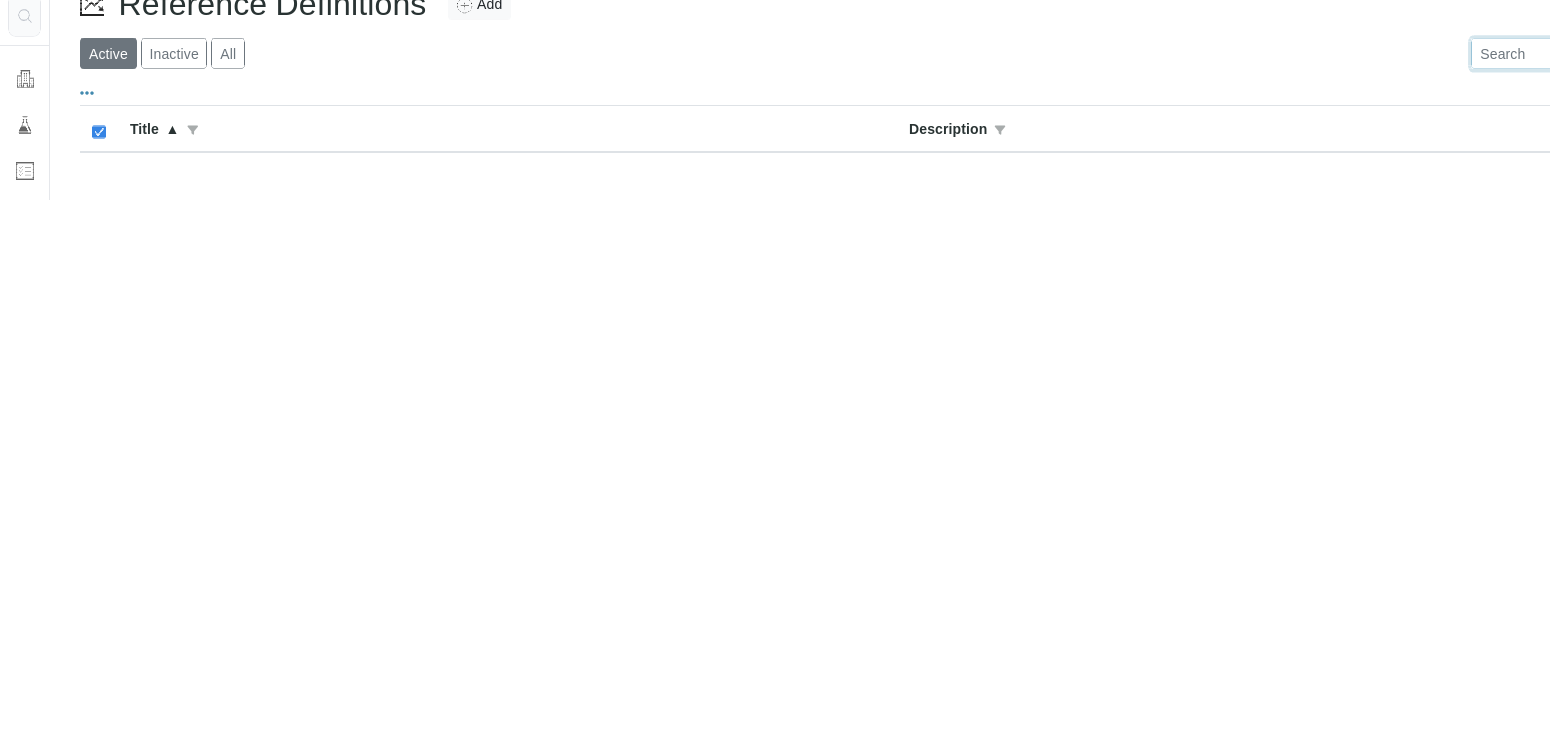
- Open System Setup > Reference Definitions.
- Select Add or open an existing definition.
- Enter the approved title and description.
- Save.
- Run a safe QC workflow test before relying on the definition in production worksheets or reports.