On this page
Clients, contacts, and sample points
Use this guide for maintaining customer/client master data used during sample registration and reporting.
What your team can manage#
Laboratory administrators may maintain:
- Client name, client ID, phone, email, address, and client attachments.
- Billing/contact preferences that the lab owns.
- Client active/inactive status, when the lab policy allows it.
Clearline-managed#
Clearline manages:
- Bulk client imports and cleanup.
- Client IDs used by report packages, integrations, or external systems.
- Any changes that would affect historical reports or automated exports.
Add a client#
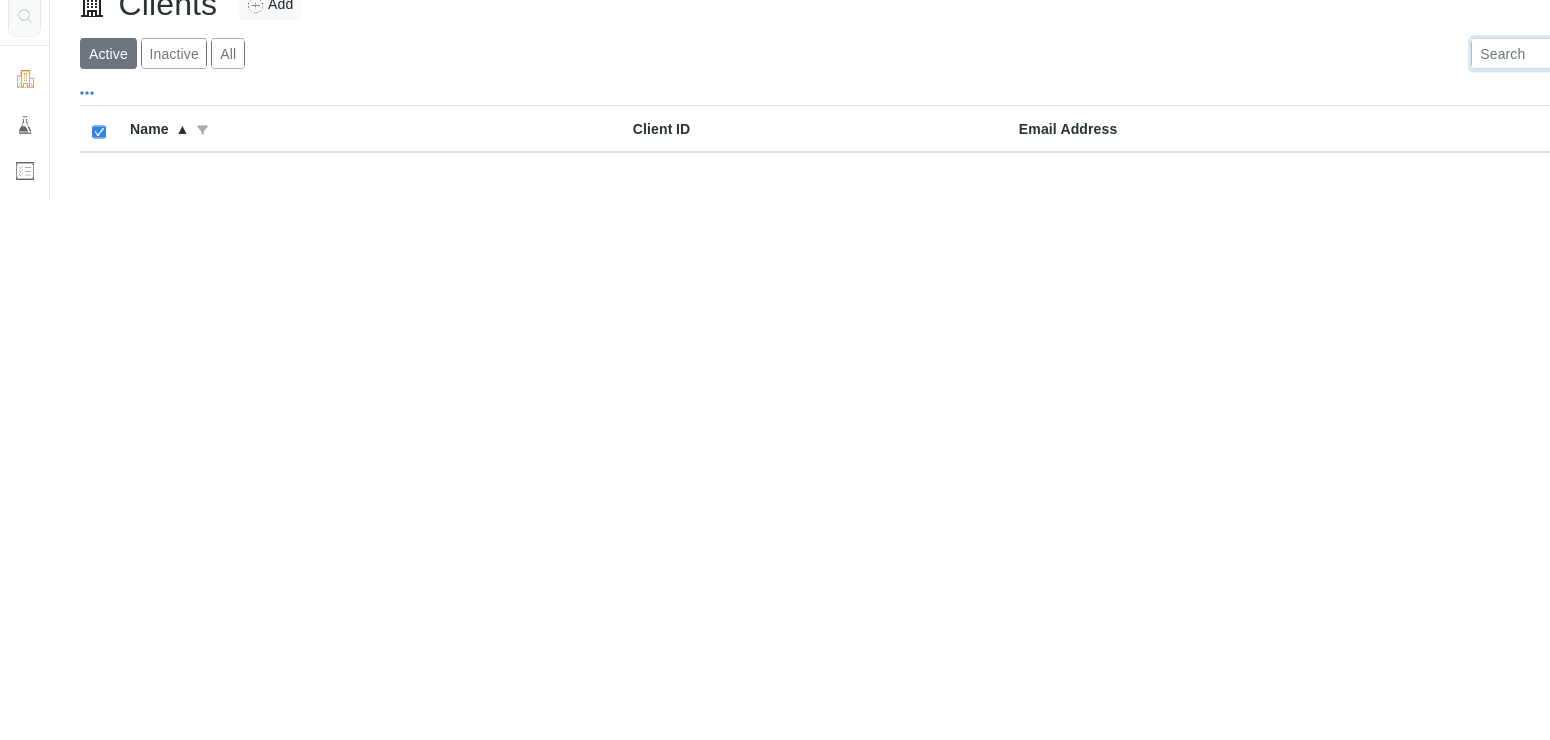
- Open Clients.
- Select Add.
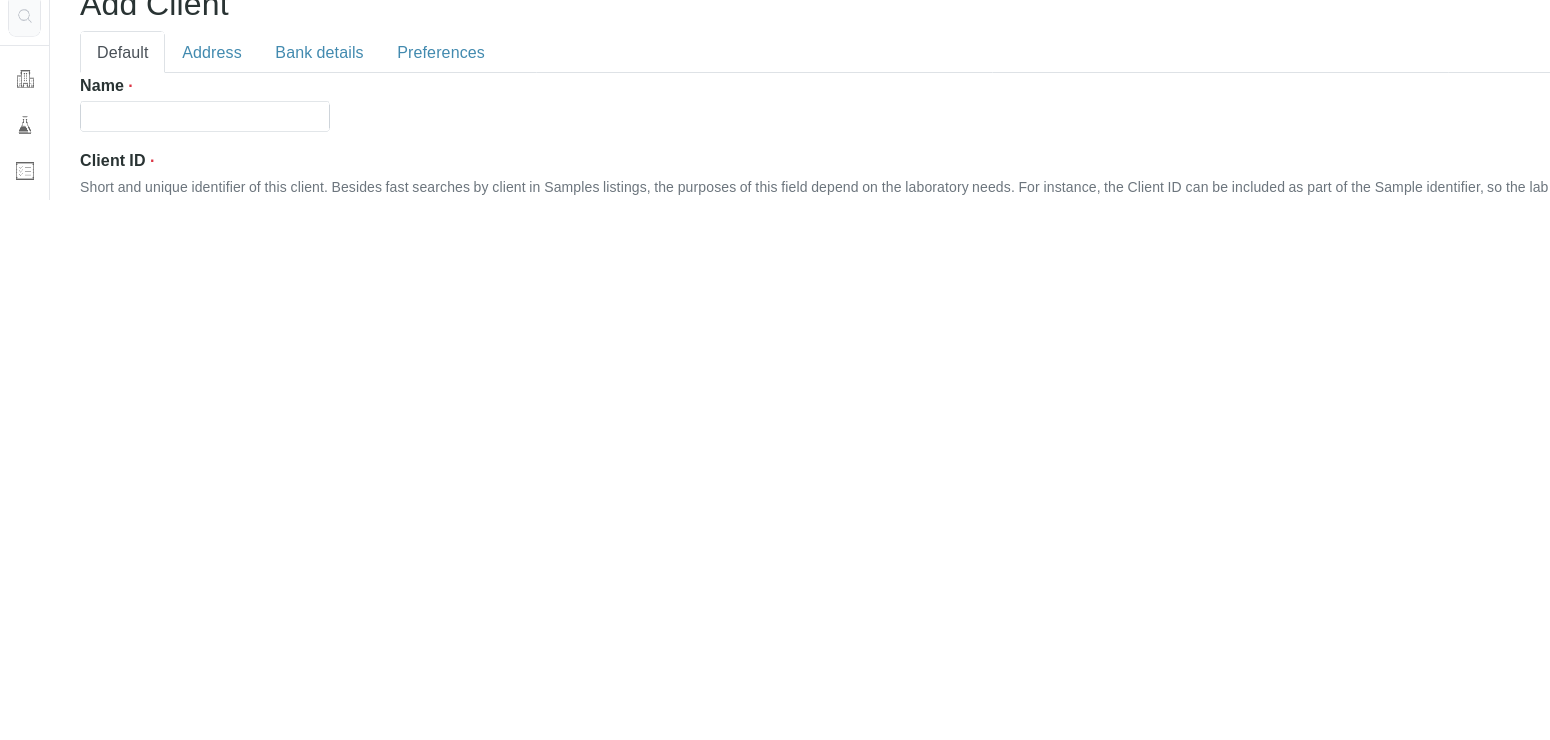
- Enter the client name and a short unique client ID.
- Add phone/email/address details as needed.
- Save.
- Register a test sample only in an approved training or test environment to confirm the client appears in sample registration.
Contacts and sample points#
Contact and sample-point maintenance depends on your tenant's configured client records and enabled fields. If you do not see the expected contact or sample-point options, contact Clearline Support before changing adjacent client settings.
Expected ownership split:
- Customers maintain normal client contacts and routine sample points.
- Clearline manages bulk import, cleanup, naming standards, and integration-sensitive IDs.