Getting started and dashboard orientation
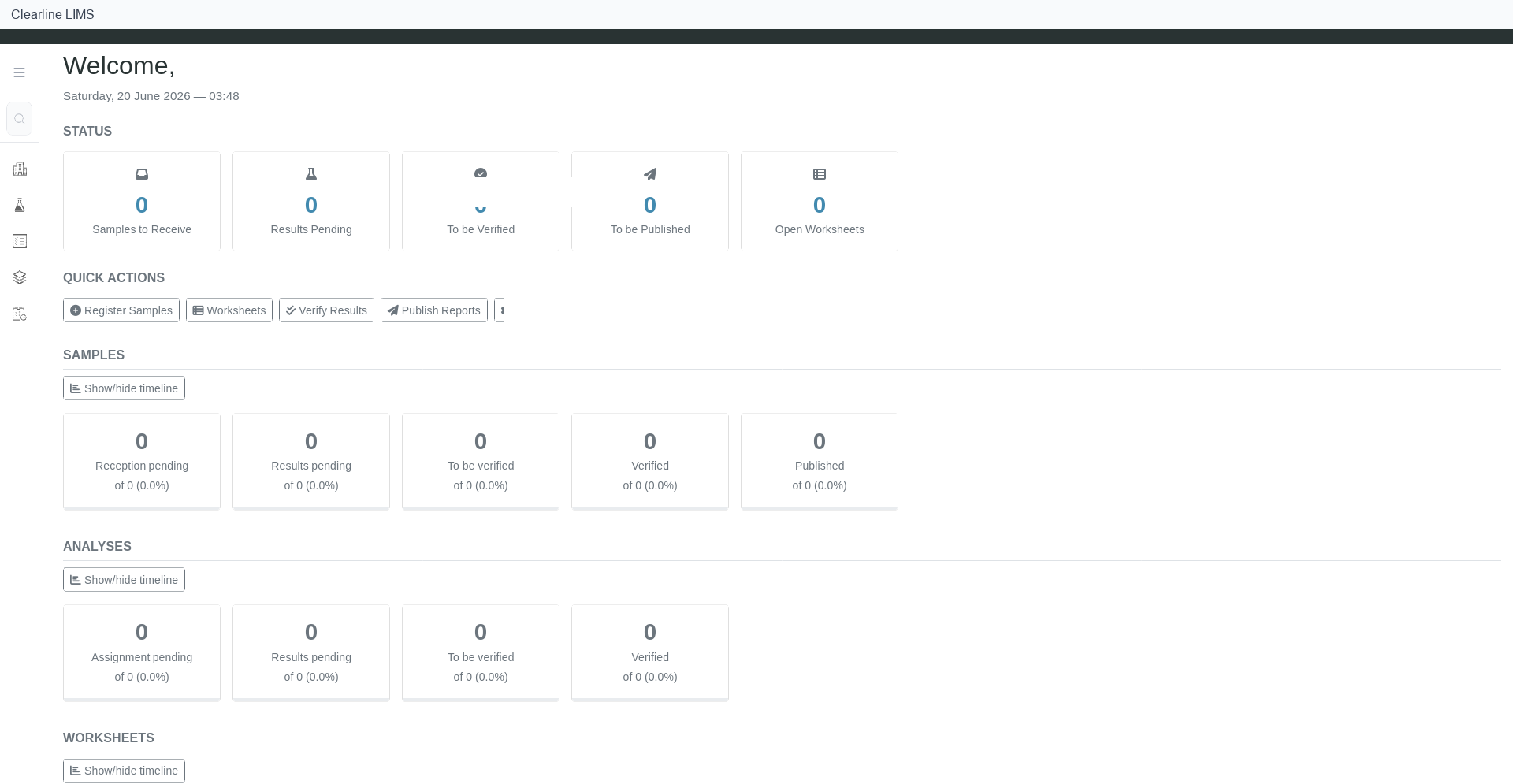
Use the dashboard as the starting point for daily lab work. It gives operators a quick view of sample, result, and worksheet activity and provides quick actions for the most common tasks.
Sign in#
- Open the Clearline LIMS sign-in page supplied by your laboratory administrator.
- Enter your username and password.
- Select Log in.
- Confirm that the dashboard opens.
Read the dashboard#
On the dashboard, review:
- sample status counters;
- analysis/result status counters;
- worksheet status counters;
- quick actions for common workflows.
Use these dashboard areas to decide what needs attention first: new samples, work awaiting results, work ready for review, or reports ready to publish.
Dashboard cards, counters, and quick actions vary by tenant configuration and user role.
Open the sample queue from the dashboard#
- From the dashboard, select the sample-related quick action or sample navigation item.
- Confirm that the sample queue opens.
- Use the status filters to narrow the list to the work you need.
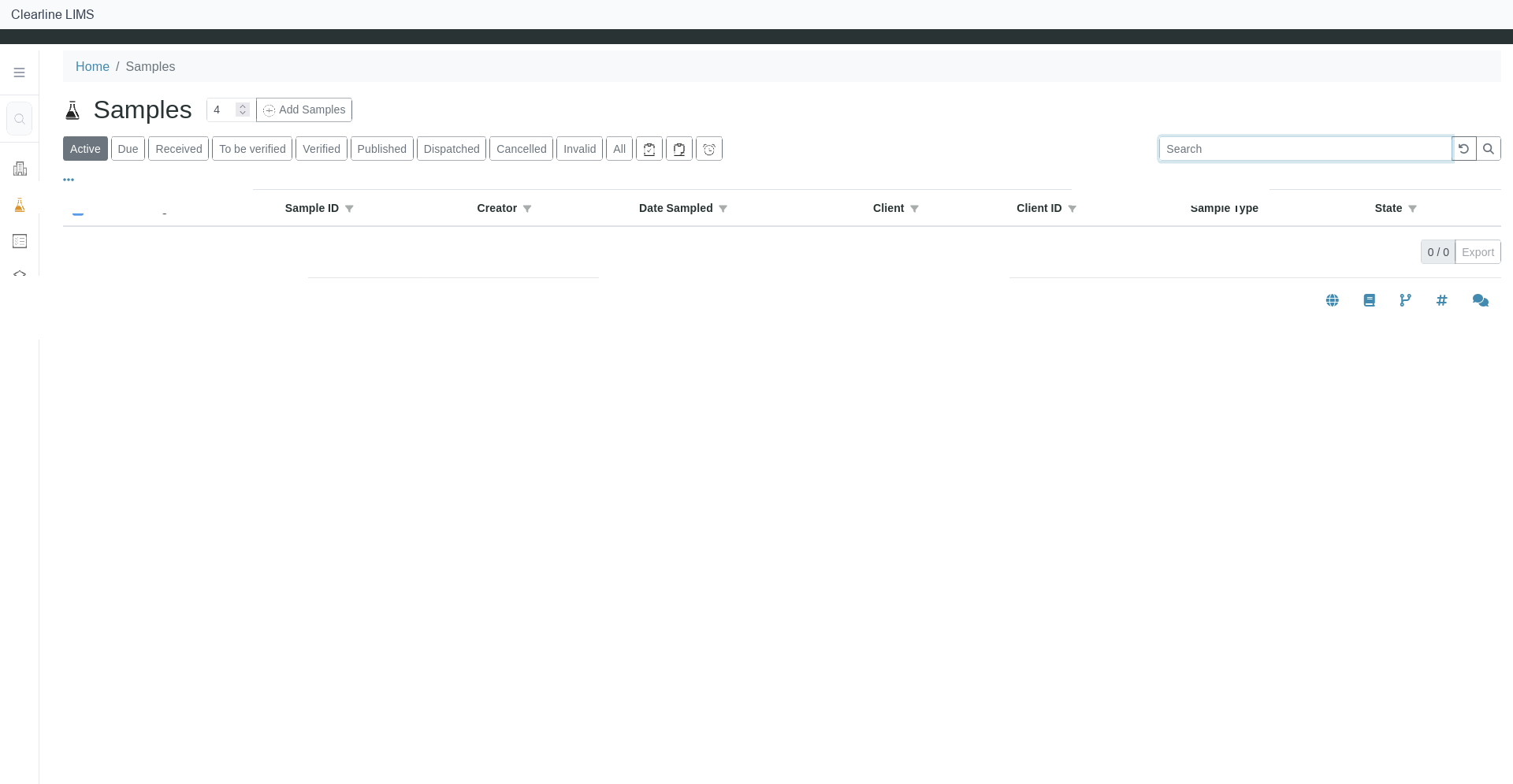
Sample queue filters and columns may vary by tenant configuration and workflow state.