Administration Overview
Most setup work happens during onboarding. Lab managers may have access to some configuration areas, but Clearline manages infrastructure and advanced configuration.
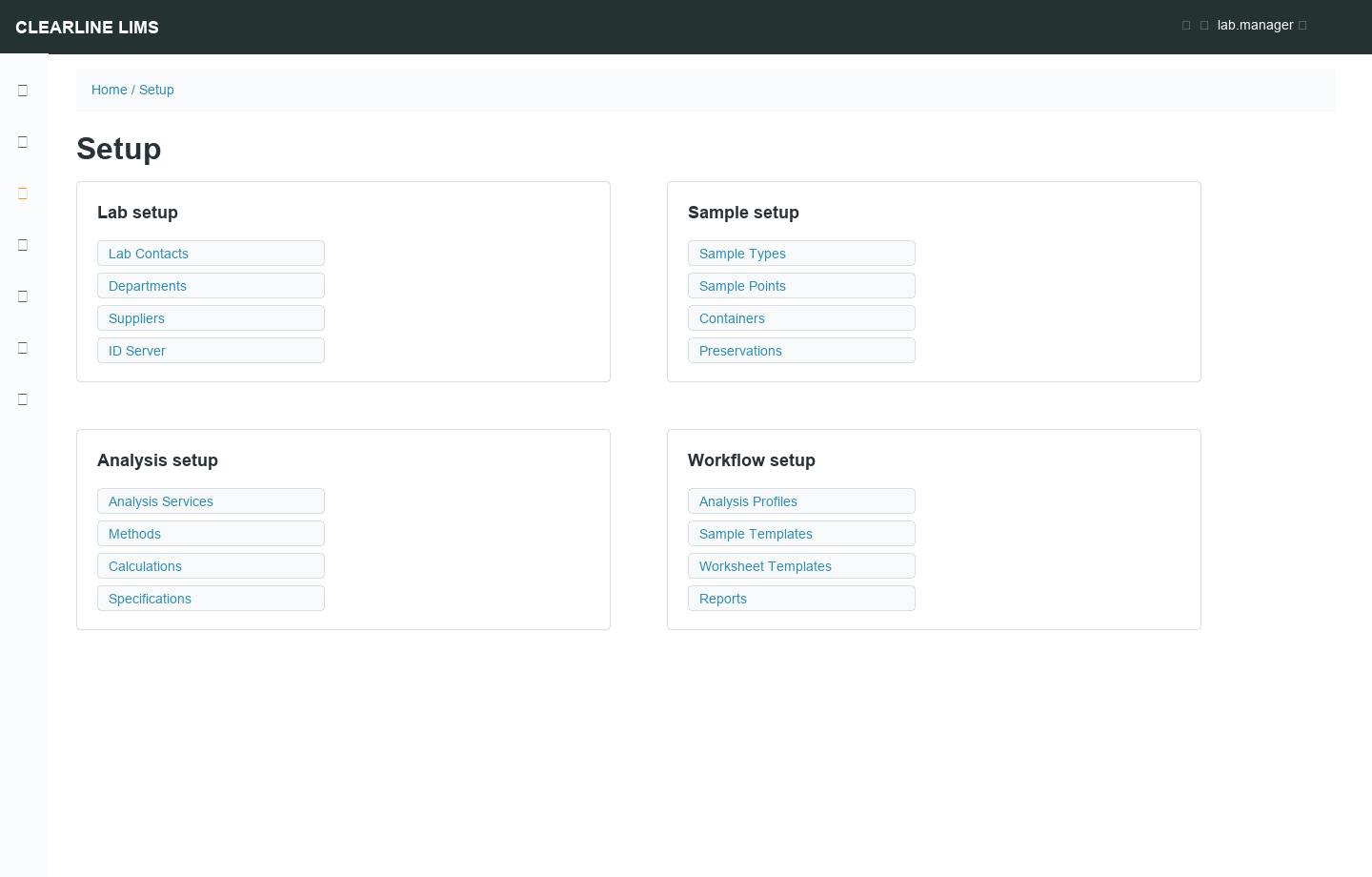
Common Setup Areas
| Setup Area | Examples |
|---|---|
| Lab setup | Lab contacts, departments, suppliers, ID server |
| Samples | Sample types, sample points, containers, preservations |
| Analyses | Services, methods, calculations, interim fields, units |
| Quality | Specifications, reference definitions, QC rules |
| Workflow | Profiles, sample templates, worksheet templates, report templates |
| Communications | Email settings, publication preferences, portal access |
Configuration Order
Setup data has dependencies. Sample types, methods, and analysis services should be configured before profiles and templates. Specifications depend on analyses and sample types. Worksheets depend on analysis services, methods, departments, and sometimes instruments.
Clearline-Managed Areas
Clearline typically manages:
- Hosting, Docker/container runtime, reverse proxy, TLS, backups, monitoring
- SENAITE tenant provisioning and upgrades
- Report templates and custom exports
- Advanced ID server changes
- Integrations and instrument import/export mappings
- User creation and role assignment, unless delegated
Customer-Managed Areas
Depending on role and tenant policy, lab managers may manage routine clients, contacts, sample points, remarks, and day-to-day sample records.
Installation Boundary
The upstream SENAITE installation guide describes how to install SENAITE on Linux with Plone, Python, and Buildout. Clearline customers do not perform those steps for hosted tenants. Clearline handles deployment; your team uses the browser application.