Results Entry
Results can be entered on the sample view or on worksheets. Worksheets are usually better for high-volume benches because they show routine analyses and QC together.
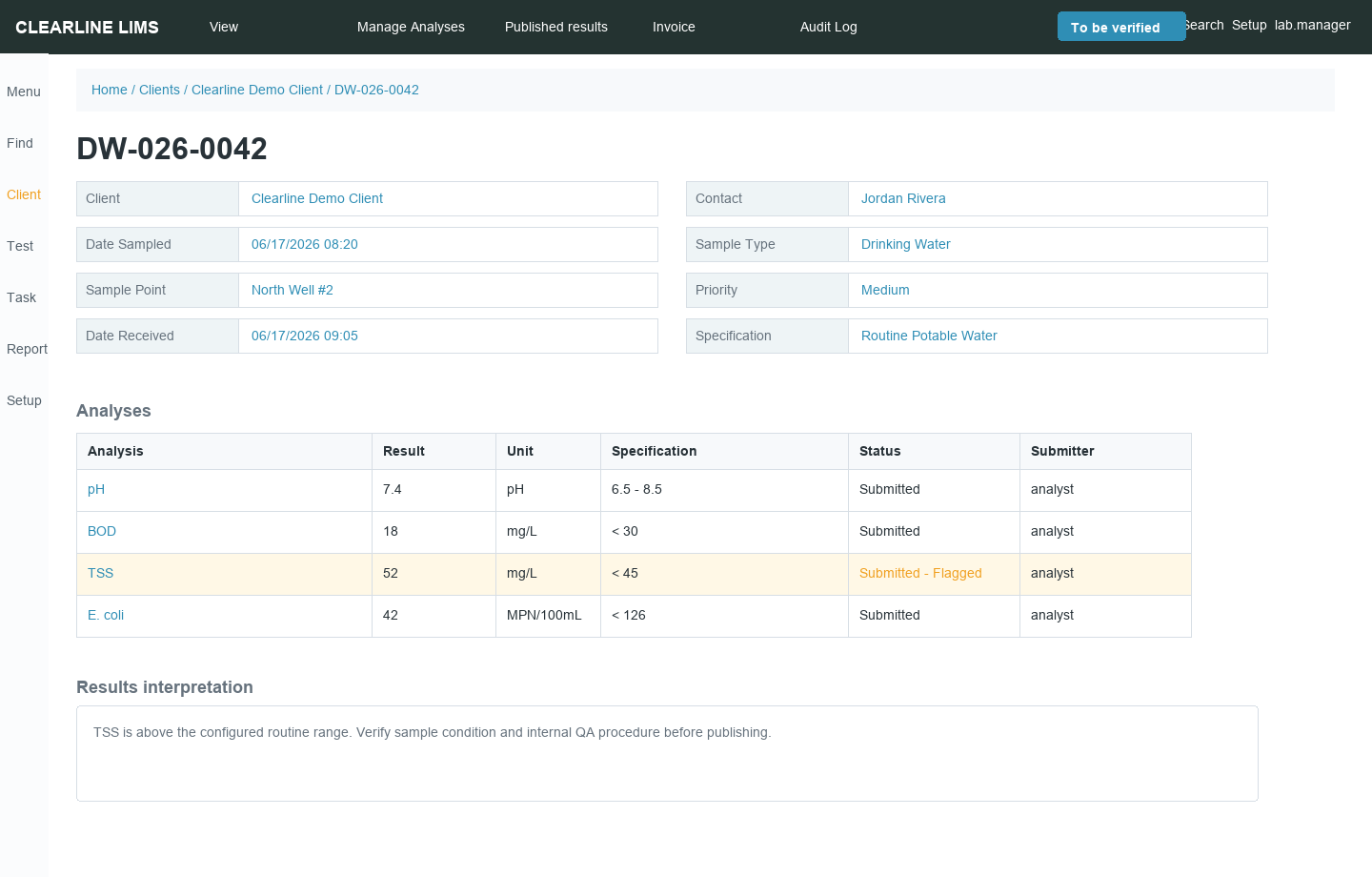
Save vs Submit
| Button | Meaning |
|---|---|
| Save | Stores entries, runs calculations/range checks, keeps results editable |
| Submit | Sends results to verification and locks normal analyst editing |
Use Save while results are incomplete. Use Submit only when the results are ready for review.
Result Fields
Analysis services define the expected result type: numeric field, text, selection list, interim fields, calculated fields, attachments, detection limits, units, and decimal precision.
Calculations
Calculated analyses can use results or interim values from other analyses. Save entries before reviewing calculated outputs. If a calculation does not update as expected, verify all required inputs were entered in the expected format.
Specifications and Flags
Specifications define acceptable ranges. Out-of-range results are flagged for review but are not always blocked. Your lab SOP determines whether to proceed, rerun, qualify, reject, or add interpretation.
Comments and Interpretations
Use result interpretation fields for analyst comments, general sample notes, category comments, or report narrative. Clear, factual comments age better than vague notes like “checked.”
Attachments
Attach supporting files to the sample or analysis where appropriate: instrument printouts, chromatograms, photos, benchsheet scans, or external reports.
Correcting Results
| Stage | Correction Path |
|---|---|
| Before submit | Edit and save |
| Submitted but not verified | Reviewer retracts or analyst edits if permissions allow |
| Verified | Follow supervisor-controlled correction/retest process |
| Published | Use invalidation/amendment process; do not silently overwrite |